
Convert DVDs to popular videos and audio formats for playback on mobile and portable devices.
[DVDFab] How to Add SRT Subtitles to DVD Movie While Ripping DVD?
Nov 3, 2025
In this quick and easy tutorial, I'll show you exactly how to add SRT subtitle files to your DVD movies while converting them to digital formats, using DVDFab DVD Ripper. You'll learn two simple methods to embed custom subtitles, giving you full control over the font, size, position, and timing.
👉 Don’t forget to like 👍, subscribe 🔔, and share your next video conversion ideas in the comments!
📌 Chapters
00:00 Intro
00:11 Part1
00:42 Part2
01:24 End
#DVDFab #AddSubtitles #DVDripping #SRTSubtitle #VideoEditing #DVDFabTutorial
Transcript
Follow along using the transcript.
Show Transcript
Read in Article
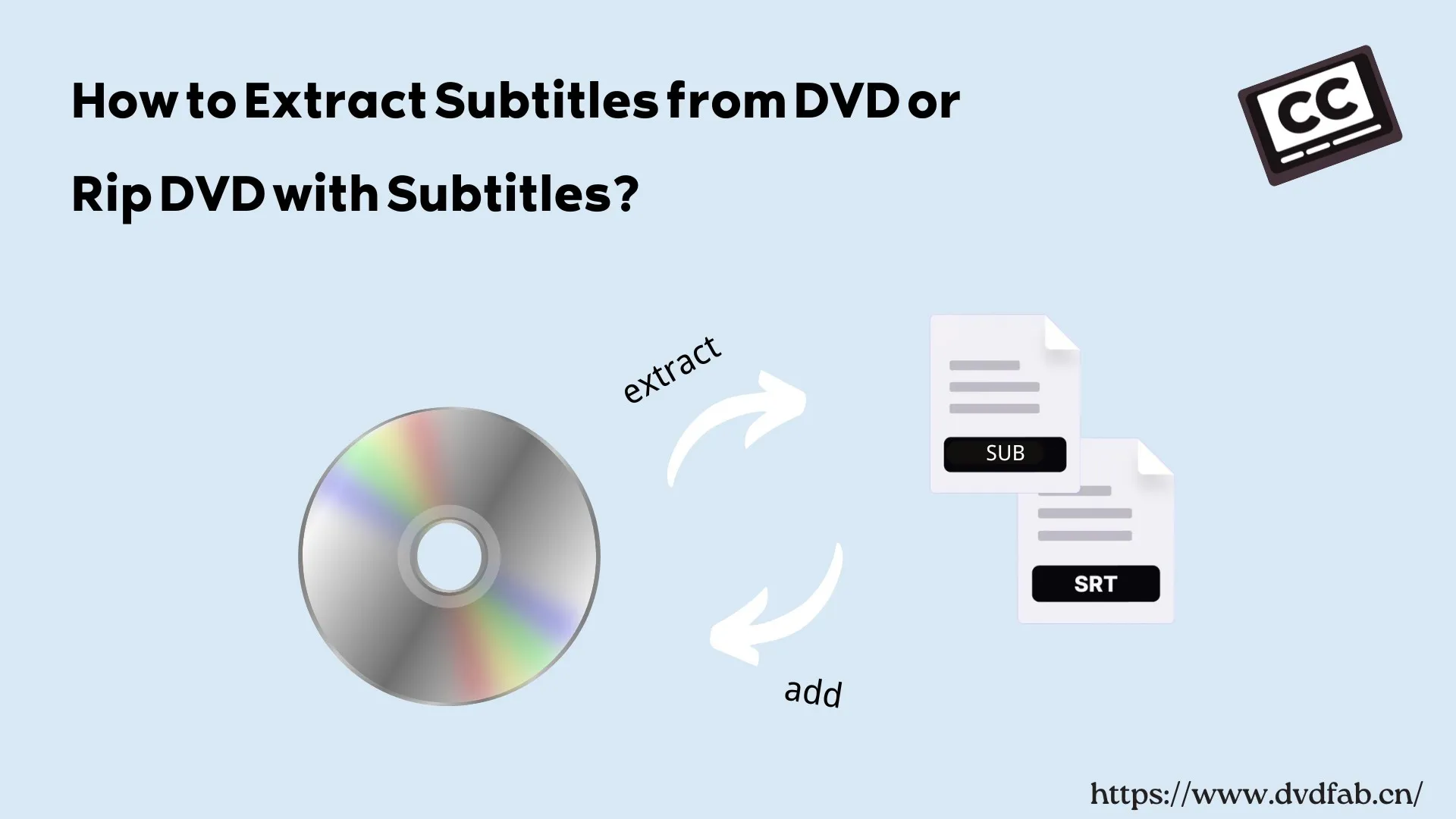
How to Rip DVD with Subtitles and Extract Subtitles from DVD?
To rip a DVD with subtitles, you need a reliable DVD ripper to convert the disc into digital formats (like MP4/MKV) while preserving your desired subtitle tracks. Free tools like HandBrake and MakeMKV are solid choices for basic conversions with soft or burned-in subtitles. However, based on my tests, I recommend DVDFab DVD Ripper. Unlike free software, it offers advanced options to rip DVDs with forced subtitles or accurately extract subtitles as separate .srt files for maximum playback flexibility.
By Wenny Yan - Mar 6, 2026
Related Videos



![[2025] How to Convert ISO to MP4 ?](jpg/mqdefault-4.jpg)